
12 Best Template for Testimonial Resources in 2025

Authentic customer feedback is one of the most powerful tools for building trust and driving conversions. Yet, many organisations struggle to effectively collect and present this social proof. The challenge isn't just asking for a review; it's about structuring that feedback into a compelling narrative that resonates with potential customers. This is where a well-designed template for testimonial becomes indispensable, transforming a simple quote into a professional, persuasive asset for your website, social media, or marketing materials.
This comprehensive guide eliminates the guesswork. We've curated a definitive list of the best platforms and marketplaces to find downloadable text and video testimonial templates. Whether you need a slick, animated video template for Instagram, a professional PDF layout for a client proposal, or a simple copy-and-paste script to guide your customers, you'll find it here. Each entry includes direct links, screenshots, and practical advice to help you choose the right resource for your specific needs, be it for a local service business, an e-commerce store, or a non-profit organisation.
For those looking for an all-in-one solution to not only design but also collect and manage testimonials, platforms like Good Kudos offer a streamlined alternative to static templates. Let’s explore the options.
1. Good Kudos
Good Kudos is an exceptionally streamlined platform designed for collecting and showcasing customer success stories with minimal effort. It stands out by replacing complex forms and software with a simple, shareable "Kudos Wall." This approach makes it a powerful choice for charities, freelancers, and small businesses that need an effective template for testimonial collection without the technical overhead. The entire setup, from creating a branded page to sharing a collection link, can be completed in seconds.
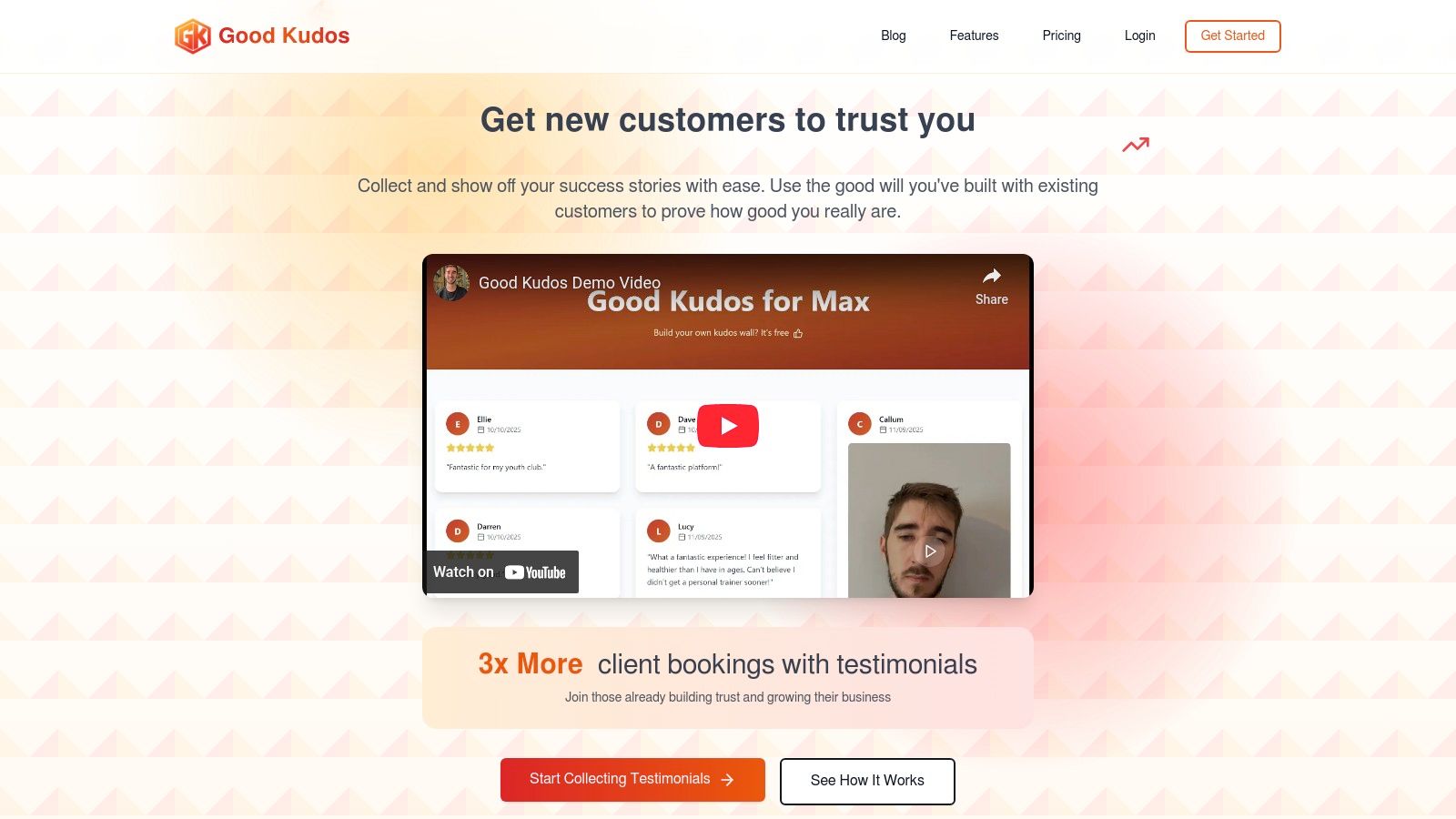
Its core strength lies in its frictionless submission process. Customers can submit written reviews, video testimonials, and transformation stories directly through a link without needing to download an app or create an account. This simplicity significantly boosts participation rates, turning happy customers into persuasive social proof. The platform's singular focus on easy collection and embedding makes it a highly practical tool for organisations aiming to amplify credibility and accelerate conversions.
Key Strengths & Use Cases
- Effortless Collection: Share a single link via email, text, or even a QR code at an event to capture authentic feedback on the spot. This is ideal for service providers, consultants, and event organisers.
- Centralised Management: All submissions, both text and video, are gathered in one centralised dashboard, making it simple to manage and embed your best testimonials across your website, sales proposals, and social media profiles.
- Designed for Simplicity: The user interface is clean and intuitive, requiring no technical expertise. This makes it a perfect fit for solopreneurs and small teams who wear multiple hats and need tools that just work.
Pricing & Access
Good Kudos offers a straightforward pricing structure that caters to different stages of growth. A highly functional Free plan is available, which includes up to 10 text and 3 video testimonials, basic support, and website embedding. For those needing more capacity, the Pro plan is priced at $20 per month and unlocks unlimited submissions, custom branding, and priority support.
Pros:
- Fast, no-tech setup for immediate use
- Frictionless submission process for higher response rates
- Generous free tier suitable for new businesses
- Simple sharing via link, email, text, or QR code
Cons:
- Free plan limits may be too restrictive for established businesses
- Lacks advanced analytics and enterprise-level integrations
Website: goodkudos.com
2. Canva
Canva is a design powerhouse offering a vast library of templates ideal for visually showcasing customer feedback. It stands out for its sheer versatility, allowing you to create a cohesive template for testimonial assets across multiple formats, from Instagram stories and LinkedIn carousels to website banners and presentation slides. Its user-friendly drag-and-drop interface means anyone can produce professional-looking graphics without prior design experience.
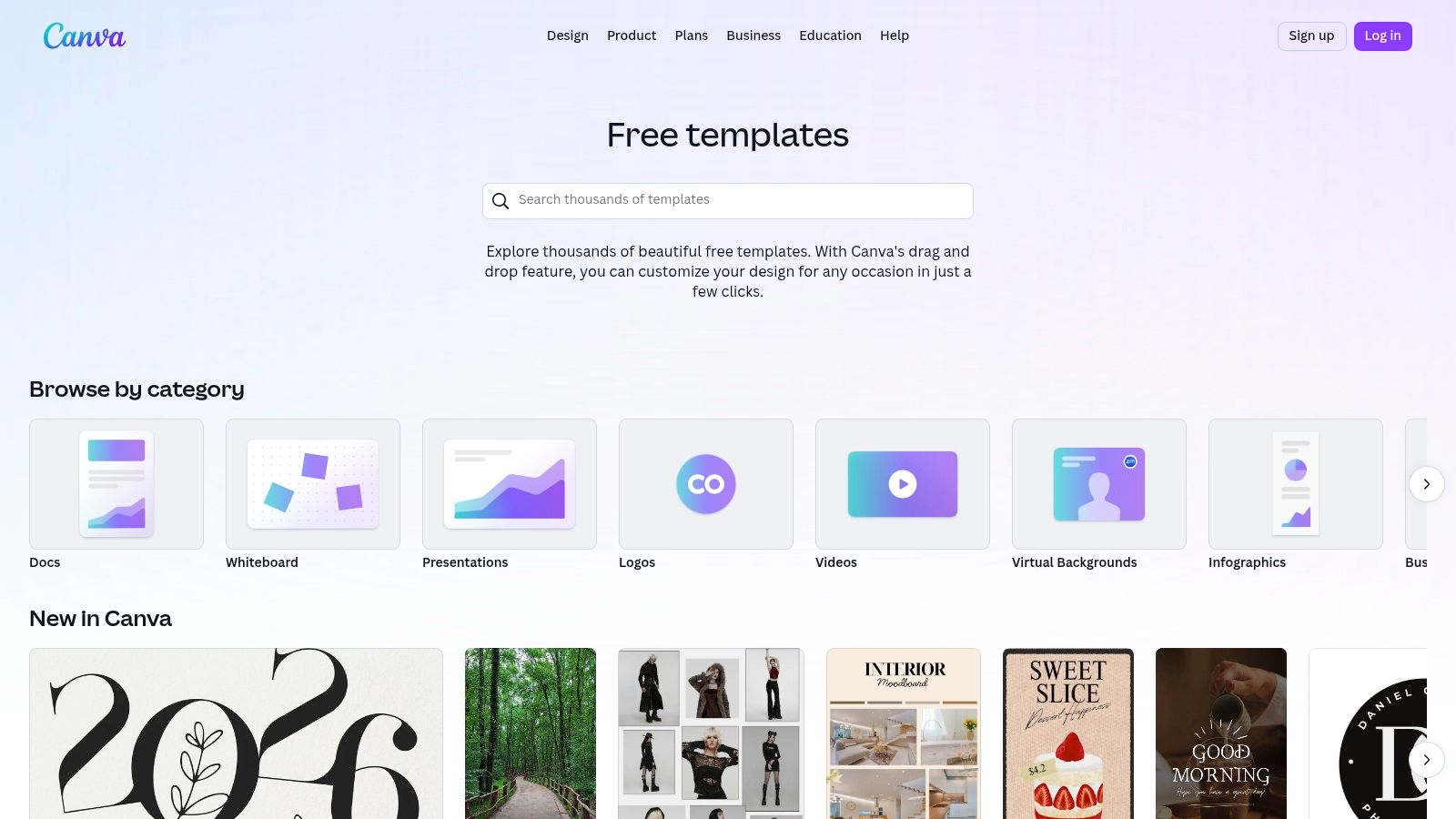
The platform is especially useful for maintaining brand consistency. Canva’s Brand Kit (a premium feature) lets you pre-load your charity's or business's specific colours, fonts, and logos, ensuring every testimonial graphic you create is perfectly on-brand with just a few clicks. This streamlined process saves significant time compared to designing from scratch.
Key Features and Considerations
| Feature | Details | Use Case |
|---|---|---|
| Template Library | Extensive and searchable; find templates for posts, carousels, and videos. | Quickly find a starting point for any social media platform. |
| Drag-and-Drop Editor | Intuitive interface for easy customisation of text, images, and colours. | Non-designers can create polished assets in minutes. |
| Brand Kit | A premium feature to store and apply brand assets consistently. | Ensure all testimonials align with your visual identity. |
Practical Tip: To find the best options quickly, use specific search terms like "customer review Instagram post" or "quote testimonial presentation" instead of just "testimonial". For an even more integrated approach to collecting and displaying feedback, a dedicated platform like Good Kudos can automate the process before you even get to the design stage.
Website: https://www.canva.com/templates/
3. Adobe Express
Adobe Express is a powerful design tool that bridges the gap between simple templates and professional creative software. It offers a curated collection of professionally designed templates perfect for creating a polished template for testimonial for social media, presentations, and web graphics. Where it truly shines is in its robust feature set, offering advanced text and video editing tools that go beyond basic customisation, along with seamless integration into the wider Adobe Creative Cloud ecosystem.
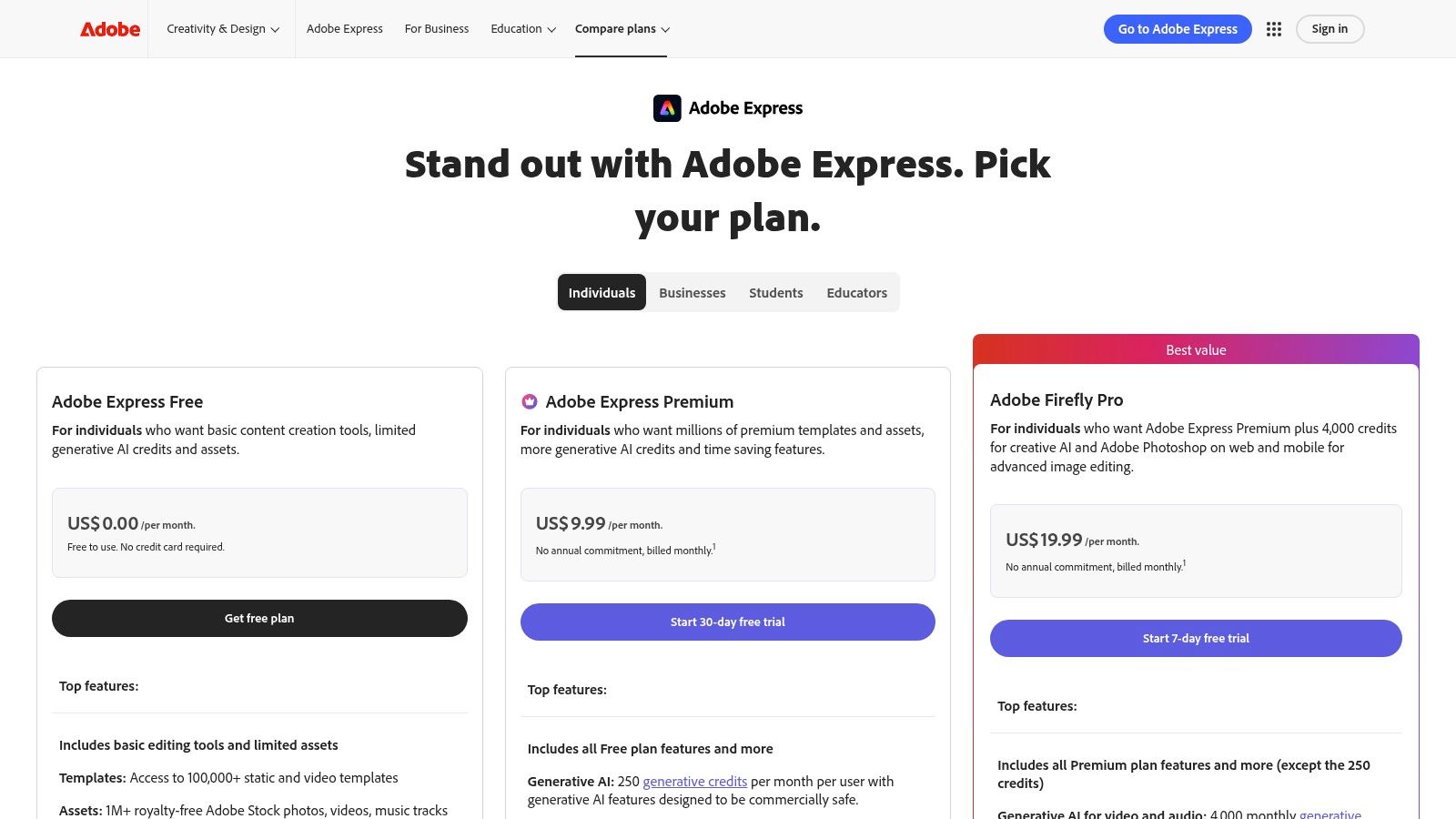
The platform is particularly well-suited for teams and organisations that require strong brand control and collaborative features. Its review and approval workflows, available on premium plans, allow marketing managers or creative directors to sign off on designs before they are published. This ensures that every testimonial asset remains consistent with the brand’s high standards, making it an excellent choice for businesses with established visual identities.
Key Features and Considerations
| Feature | Details | Use Case |
|---|---|---|
| Advanced Editing Tools | Access to Adobe Fonts, animation controls, and video editing. | Create dynamic video testimonials or animated social posts. |
| Review & Approve | Team members can comment on and approve designs within the platform. | Streamline the creative workflow for marketing teams. |
| Creative Cloud Integration | Seamlessly works with Photoshop, Illustrator, and Adobe Stock assets. | Access and incorporate high-quality brand assets or stock media. |
Practical Tip: Use the filter function in the template library and search for "testimonial" or "customer quote" to quickly find relevant starting points. For organisations looking to automate feedback collection before the design phase, integrating a specialised tool like Good Kudos can create a highly efficient end-to-end testimonial management system.
Website: https://www.adobe.com/uk/express/pricing
4. Envato Elements
Envato Elements is an all-you-can-download subscription service that acts as a treasure trove for creative assets. It stands out by offering a massive library of high-quality templates for testimonials spanning graphics, presentation slides, and even professional video formats for After Effects and Premiere Pro. For organisations that need a continuous stream of varied and polished social proof assets, the value of its unlimited download model is unmatched.
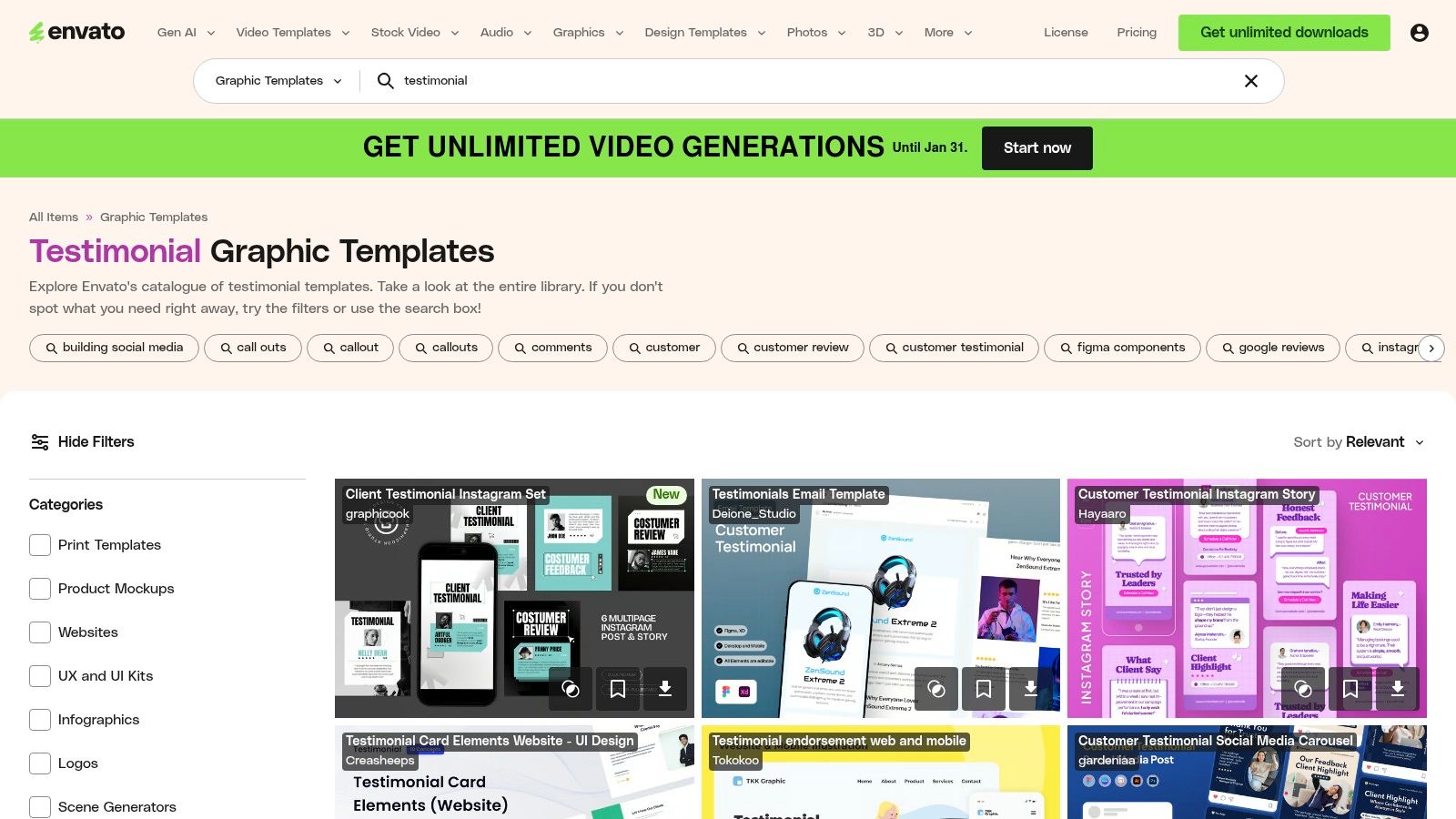
Unlike single-purchase marketplaces, Envato’s subscription encourages experimentation, allowing you to try different styles without extra cost. The platform is ideal for agencies, content creators, or businesses that frequently refresh their marketing materials. A single subscription covers a simple commercial licence for any asset used, simplifying the legal side of content creation.
Key Features and Considerations
| Feature | Details | Use Case |
|---|---|---|
| Unlimited Downloads | A single monthly or annual fee grants access to millions of assets. | Perfect for creating diverse testimonial campaigns across many formats. |
| Multi-Format Library | Includes graphic templates (Photoshop, Illustrator), video, and presentations. | Find a template for testimonial assets for your website, social media, and investor pitches. |
| Simple Licensing | The commercial licence is included with the subscription for any project. | Use assets confidently for marketing without worrying about individual licences. |
Practical Tip: Use filters to narrow your search by application (e.g., "Photoshop," "Premiere Pro") to find compatible files quickly. For a more streamlined workflow that handles feedback collection before the design stage, platforms like Good Kudos can automate the entire process from request to publication.
Website: https://elements.envato.com/graphic-templates/testimonial
5. Creative Market
Creative Market is a sprawling online marketplace where independent creators sell high-quality, designer-made assets. It’s an excellent source for finding a unique template for testimonial pack if you want to move beyond standard options and purchase assets a la carte, without committing to a subscription. You can find templates compatible with various software, including Canva, Photoshop, and PowerPoint, offering a distinct, professional aesthetic crafted by indie designers.
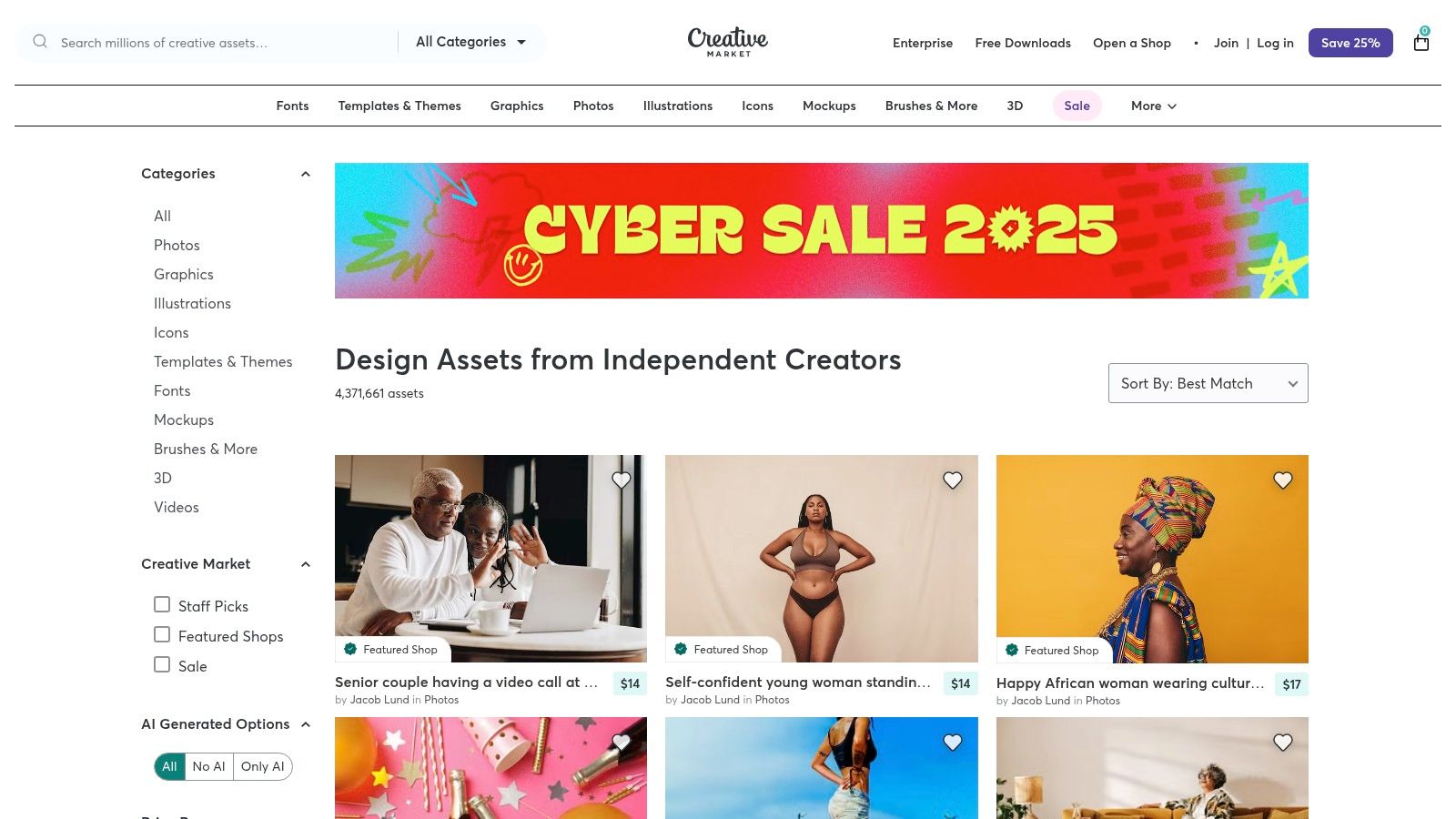
The platform’s strength lies in its variety and the "buy once, own forever" model. This is ideal for one-off projects or for businesses that prefer to build a permanent library of design assets. Because each product is from a different seller, you get access to a massive range of styles, from minimalist and corporate to bold and artistic, ensuring you can find something that perfectly matches your brand’s personality.
Key Features and Considerations
| Feature | Details | Use Case |
|---|---|---|
| A La Carte Purchases | Buy individual template packs without a recurring subscription. | Perfect for acquiring specific assets for a single campaign. |
| Multi-Software Support | Templates are available for Canva, Photoshop, Illustrator, and more. | Use your preferred design software without being locked into one ecosystem. |
| Indie Designer Styles | Access thousands of unique designs not found on major platforms. | Create testimonial graphics that stand out from the competition. |
| Licensing Options | Each product has clear Personal, Commercial, or Extended Commercial licences. | Ensure you have the correct usage rights for your marketing needs. |
Practical Tip: Always check the compatibility details and required software listed on the product page before purchasing. To streamline your workflow from collection to design, consider a tool like Good Kudos to gather powerful testimonials first, then use a Creative Market template to make them shine.
Website: https://creativemarket.com/search?query=testimonial%20template
6. Etsy (Digital Downloads)
Etsy is a bustling online marketplace where independent creators offer a vast array of digital products, including thousands of testimonial template packs. It stands out for its affordability and niche specialisation, making it a goldmine for small businesses or solopreneurs seeking a unique aesthetic without a big budget. Most sellers offer instant digital downloads, typically as ready-to-edit Canva files, providing a quick and easy template for testimonial graphics.
The platform is particularly valuable for finding designs tailored to specific industries like coaching, real estate, beauty, or wellness. Unlike larger platforms with more generic templates, Etsy sellers often cater to micro-niches, allowing you to find a visual style that perfectly matches your brand's personality. The user review system is crucial for vetting the quality and usability of templates before purchasing.
Key Features and Considerations
| Feature | Details | Use Case |
|---|---|---|
| Instant Digital Downloads | Purchase and receive template files (usually for Canva) immediately. | Quickly get started on designing testimonial assets. |
| Niche Industry Styles | Thousands of templates designed for specific sectors and aesthetics. | Find a unique look that resonates with your target audience. |
| Seller Reviews & Ratings | Community feedback on product quality and seller support. | Vet potential templates and avoid low-quality purchases. |
Practical Tip: When searching, use highly specific terms like "boho coaching testimonial template" or "minimalist real estate review" to uncover unique designs. Always check the seller's licensing terms, as they can vary between shops. While Etsy is great for design, pair it with a system like Good Kudos to streamline collecting the high-quality feedback you'll need to populate your new templates.
Website: https://www.etsy.com/market/testimonials_canva_template
7. Template.net
Template.net offers a practical library of ready-made testimonial templates geared towards traditional document formats. It is an excellent resource for users who need a template for testimonial content in Word, Google Docs, or PDF, making it ideal for creating professional-looking letters, formal client feedback forms, or internal employee recognition documents. The platform serves non-designers who are more comfortable working within office software than graphic design tools.
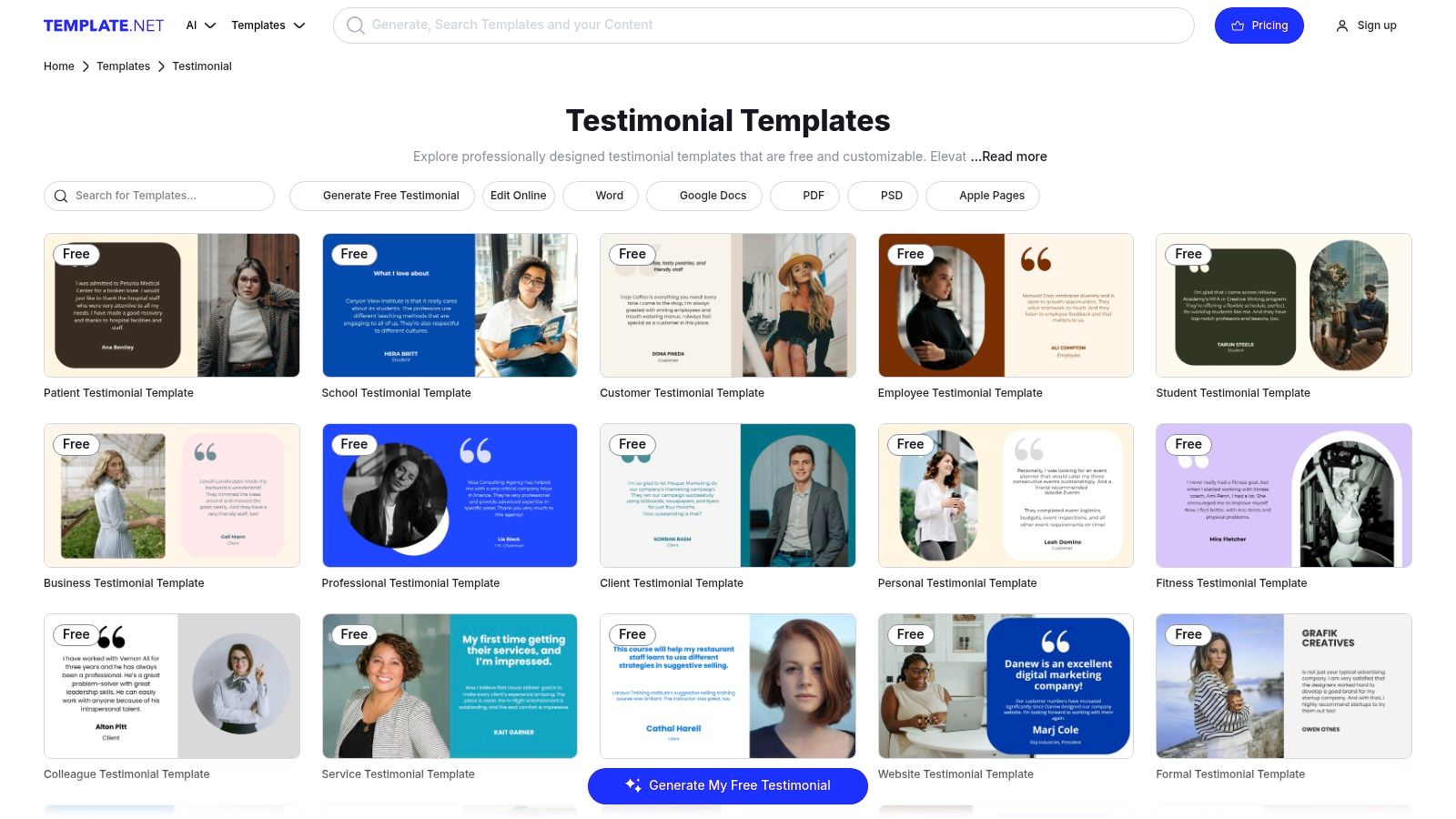
The collection is organised by specific use cases, including customer, client, student, and employee testimonials, which simplifies finding a suitable starting point. While free templates are available, full access to premium designs and advanced editing features requires a subscription. Users should be mindful of the platform’s interface, which heavily promotes its paid plans, and carefully review any trial or billing terms before committing.
Key Features and Considerations
| Feature | Details | Use Case |
|---|---|---|
| Multiple Formats | Download templates in Word, Google Docs, PDF, and PSD. | Create text-focused testimonial documents for print or digital sharing. |
| Dedicated Categories | Templates are sorted for customers, employees, students, and more. | Quickly find a relevant layout for a specific business need. |
| Online Editor | A built-in editor allows for basic customisation before downloading. | Make quick text and colour changes without needing external software. |
Practical Tip: Use Template.net when you need a formal, text-based document rather than a social media graphic. For a more efficient workflow that automates feedback collection before you even need a template, consider using a specialised tool like Good Kudos to gather and manage your testimonials seamlessly.
Website: https://www.template.net/testimonial/
8. Visme
Visme is a versatile design platform that excels at creating both individual testimonial graphics and entire, cohesive testimonial pages. It positions itself as an all-in-one tool for presentations and infographics, offering a strong selection of designer-grade layouts that go beyond simple social media posts. This makes it ideal for building a dedicated template for testimonial assets that can be embedded on your website or exported for proposals.

The platform is particularly strong at maintaining brand consistency across multiple assets. You can easily apply custom colour schemes and fonts to an entire project, ensuring that your social media snippets, website banners, and presentation slides all share the same professional look. While its template library isn't as vast as Canva's, the quality is consistently high, focusing on polished and data-driven designs.
Key Features and Considerations
| Feature | Details | Use Case |
|---|---|---|
| Testimonial Page Layouts | Offers multi-quote, full-page templates for web or print. | Building a dedicated "Wall of Love" page for your website. |
| Brand Theming | Apply preset or custom brand colours and fonts across assets with one click. | Creating a consistent set of testimonial graphics for a campaign. |
| Export and Embed Options | Download as high-quality PNG/JPG/PDF or generate an embed code. | Adding interactive or static testimonial sections directly to a website. |
Practical Tip: Use Visme’s “Testimonial Infographic” templates to creatively display customer feedback alongside key data points, such as star ratings or satisfaction scores. While Visme helps you design testimonials, a tool like Good Kudos can automate the collection and management of that feedback, streamlining your entire workflow.
Website: https://www.visme.co/templates/testimonials/
9. Testimonial.to
Testimonial.to is a specialised platform designed to streamline both the collection and display of customer feedback. It stands out by offering an all-in-one solution, allowing you to gather text and video testimonials through customisable forms and then embed them on your site using pre-built widgets. This integrated approach makes it incredibly efficient for businesses wanting a cohesive template for testimonial management without juggling multiple tools.
The platform provides several templated display options, such as the popular "Wall of Love" or individual card embeds, which can be styled to match your brand's colours and aesthetics. This focus on both collection and presentation saves considerable time and ensures your social proof looks professional and is easy to manage, from initial request to live publication.
Key Features and Considerations
| Feature | Details | Use Case |
|---|---|---|
| All-in-One System | Collects and displays both text and video testimonials in one workflow. | Streamline the entire testimonial process from request to publication. |
| Embeddable Widgets | Offers templated widgets like "Wall of Love" and single testimonials. | Quickly add dynamic, professional-looking social proof to any webpage. |
| Style Customisation | Adjust colours, borders, and layouts to match your brand identity. | Ensure testimonial displays align perfectly with your website's design. |
Practical Tip: Use the video collection feature to gather more authentic and engaging feedback. While Testimonial.to excels at display, platforms like Good Kudos offer a more robust system for automating the entire feedback collection and management lifecycle, helping you gather high-quality reviews to showcase.
Website: https://testimonial.to/
10. Senja
Senja is a dedicated testimonial collection and publishing platform designed to streamline the entire social proof workflow. It excels at helping you gather, manage, and display feedback with a focus on speed and ease. The platform offers a brilliant template for testimonial widgets and "Wall of Love" pages that can be embedded directly onto your website, automating much of the design process.
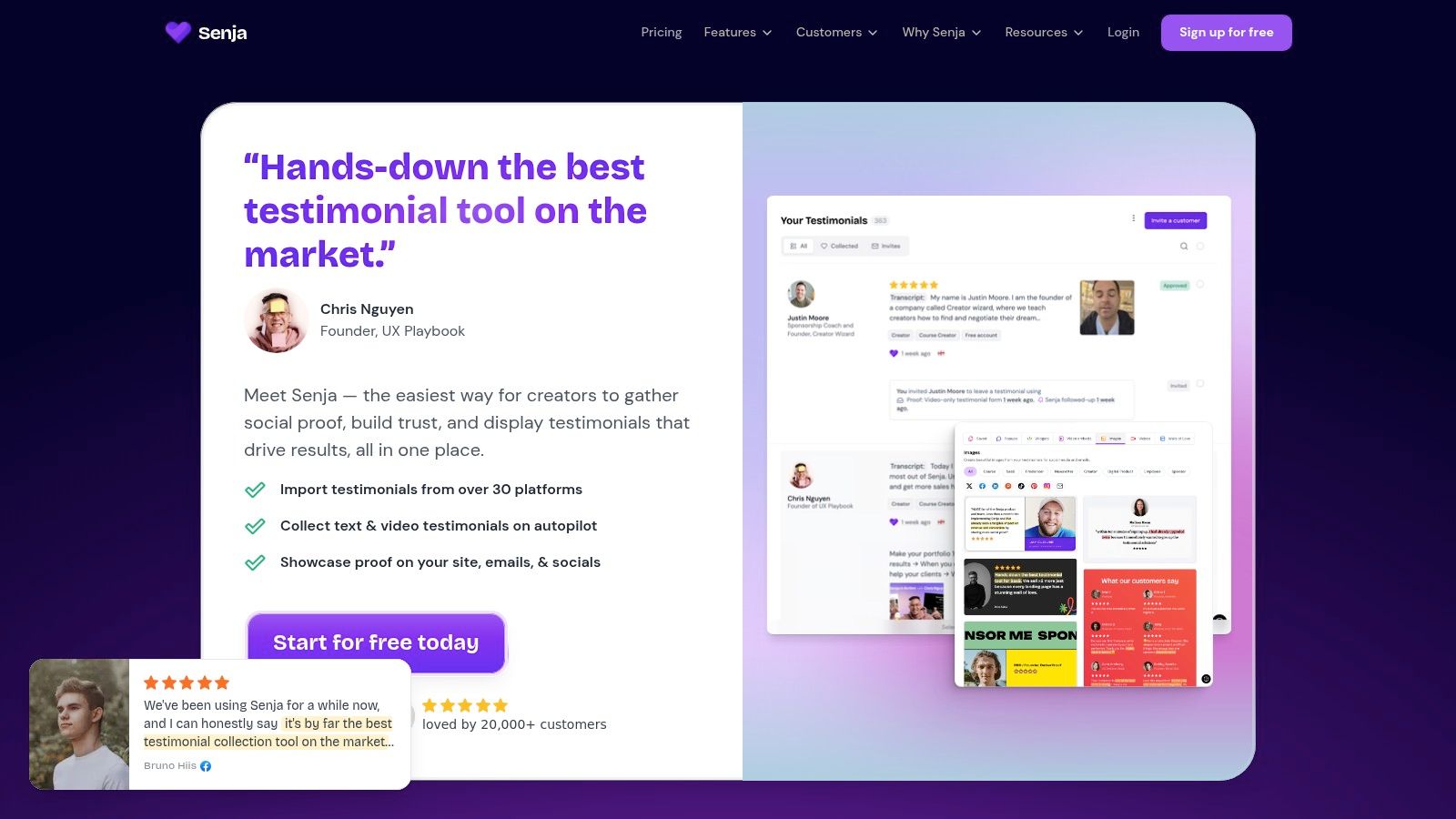
What makes Senja stand out is its incredibly generous free tier, making it a fantastic starting point for new businesses or charities. You can go from creating a collection form to showcasing testimonials in a polished, on-brand widget in minutes. This focus on a seamless workflow from collection to publication saves valuable time and removes technical barriers.
Key Features and Considerations
| Feature | Details | Use Case |
|---|---|---|
| Generous Free Tier | Collect up to 15 testimonials and create unlimited "Wall of Love" pages. | Startups and non-profits can build social proof without initial investment. |
| Widget Templates | Over 20 customisable templates for galleries, carousels, and pop-ups. | Quickly embed professional-looking testimonials on any website page. |
| Multi-Platform Imports | Pull in existing reviews from platforms like Google, Trustpilot, and more. | Consolidate all your social proof into one manageable dashboard. |
Practical Tip: Use Senja's "Wall of Love" feature to create a single, shareable link that aggregates all your best feedback. This page serves as a powerful, centralised asset for your sales and marketing efforts. While Senja is great for display, pairing it with a specialised collection tool like Good Kudos can further enhance the quality and quantity of testimonials you receive.
Website: https://senja.io/
11. REVIEWS.io
REVIEWS.io is an all-in-one review collection and management platform that automates the entire feedback lifecycle. While it's not a static template library, it offers dynamic, embeddable widgets that serve as a live template for testimonial displays on your website. The platform excels at generating authentic social proof by collecting text, photo, and video reviews directly from customers and then curating them into customisable carousels, grids, and badges.
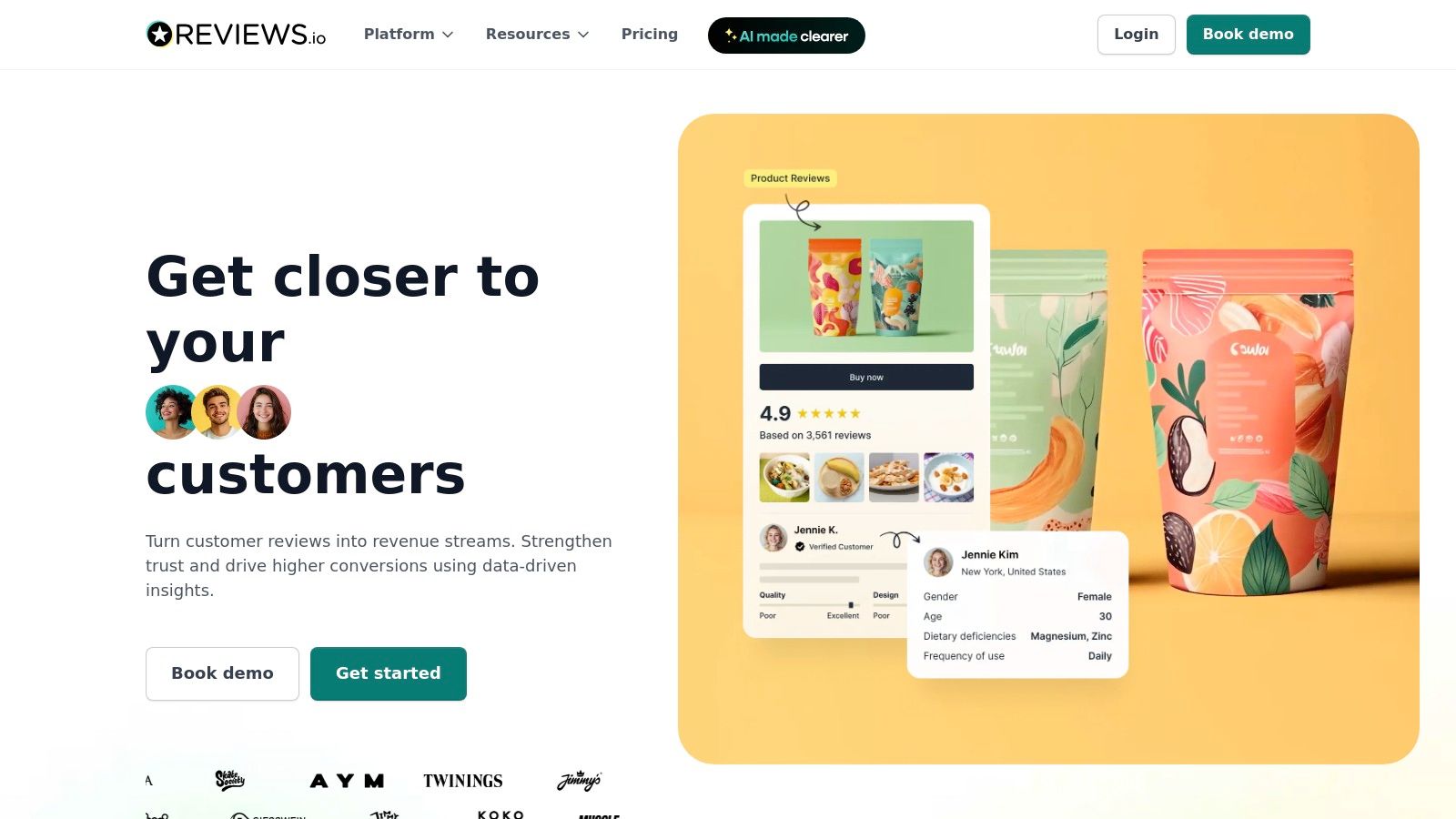
Its strength lies in automation and integration, particularly for e-commerce stores using platforms like Shopify or Klaviyo. The system can automatically send review requests post-purchase, making the collection process seamless. For UK-based businesses, its focus on regional compliance and Google Seller Ratings integration provides a significant advantage for building trust and visibility.
Key Features and Considerations
| Feature | Details | Use Case |
|---|---|---|
| Embeddable Widgets | Dynamic, customisable widgets (carousels, grids, badges) to display live reviews. | Automatically showcase the latest customer feedback on-site without manual updates. |
| UGC Collection | Collects text, photo, and video reviews through automated email and SMS invites. | Build a rich library of authentic user-generated content for marketing. |
| E-commerce Integrations | Deep integration with Shopify, BigCommerce, Magento, Klaviyo, and more. | Streamline the review collection process by linking it directly to customer purchases. |
Practical Tip: Use the platform’s survey tools to ask specific questions that guide customers toward providing more detailed and useful testimonials. While REVIEWS.io is powerful for collection and display, a service like Good Kudos can help organise that feedback into a centralised library, making it easy to repurpose your best testimonials for any marketing campaign.
Website: https://www.reviews.io/
12. HubSpot Marketplace (Testimonial Modules) + HubSpot blog templates
For businesses already embedded in the HubSpot ecosystem, the HubSpot Marketplace offers a highly integrated solution. It provides ready-made testimonial modules like sliders and grids that can be directly added to pages built on the HubSpot CMS. This plug-and-play approach eliminates the need for complex coding, making it a fast way to display social proof professionally.
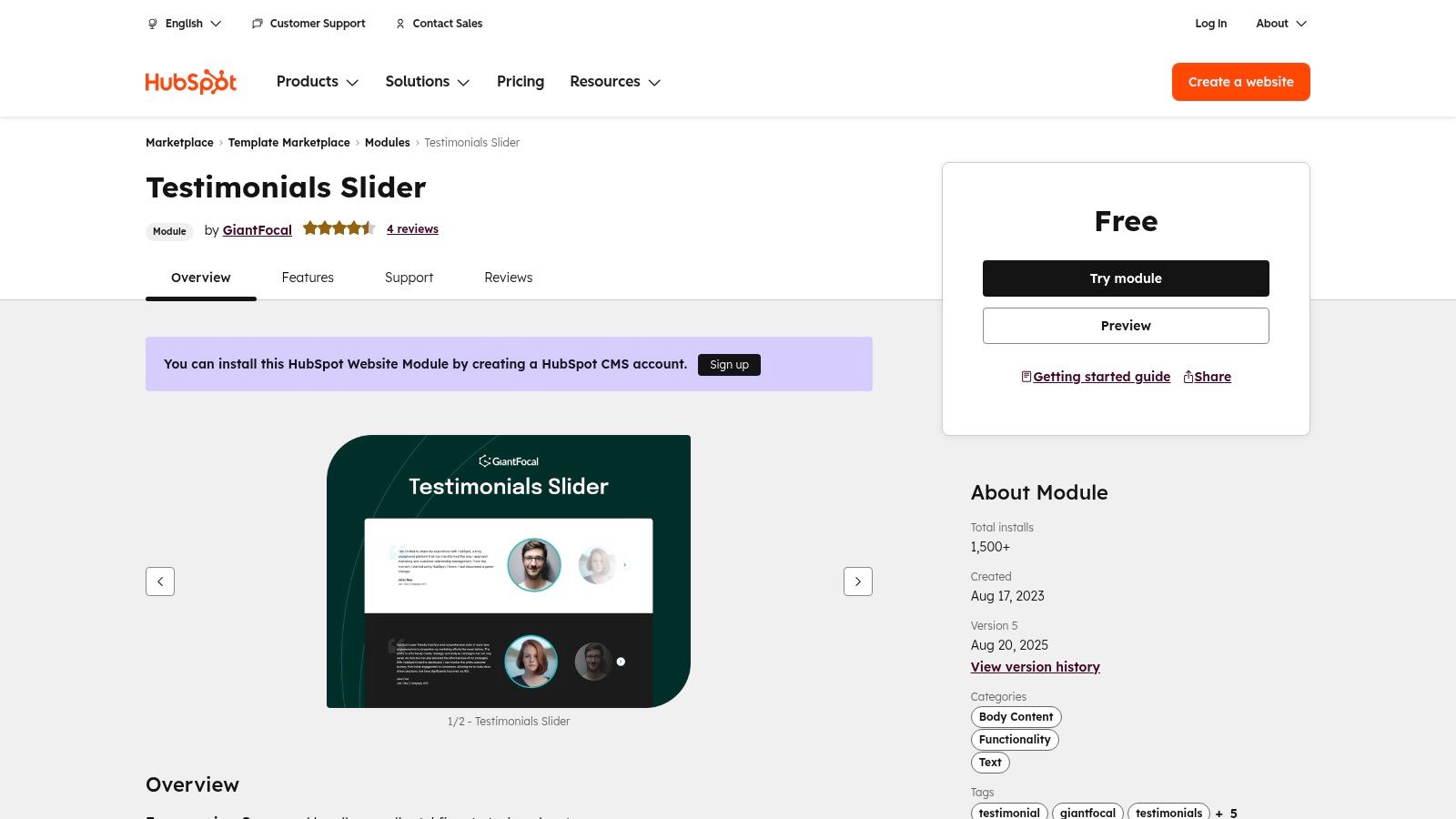
Beyond page modules, the HubSpot blog is a rich resource for the initial outreach phase, offering a free downloadable template for testimonial request emails. This dual offering covers both the collection and display stages of the testimonial process, though it's most beneficial for existing HubSpot users. The quality of marketplace modules can vary by provider, so it's wise to check reviews and live previews before installing.
Key Features and Considerations
| Feature | Details | Use Case |
|---|---|---|
| Marketplace Modules | Free and paid testimonial sliders, grids, and carousels. | Quickly add dynamic testimonial sections to a HubSpot website. |
| Drag-and-Drop Integration | Modules are designed for seamless use within the HubSpot page editor. | Add and customise testimonial displays without technical skills. |
| Free Email Templates | Downloadable templates and guides for requesting testimonials via email. | Streamline your outreach process with proven copy. |
Practical Tip: When choosing a module from the marketplace, filter by top-rated or most installed to find reliable options. While HubSpot provides the tools to ask for and display feedback, platforms like Good Kudos can automate the entire collection and approval workflow before you even need a display module.
Website: https://ecosystem.hubspot.com/marketplace/modules/testimonials-slider-module-by-giantfocal
Top 12 Testimonial Template Platforms Compared
| Product | Core features | Quality ★ | Price 💰 | Target 👥 | Unique selling points ✨ |
|---|---|---|---|---|---|
| 🏆 Good Kudos | Branded "Kudos Wall", text & video submissions, QR/link/email sharing, embedable widgets | ★★★★☆ | Free (10 text / 3 video) → Pro $20/mo | 👥 Charities, freelancers, SMBs | ✨ Fast no‑tech setup; frictionless submissions; easy embeds |
| Canva | Large editable testimonial templates, drag‑drop editor, Brand Kit | ★★★★☆ | Free + Pro (paid) — can be pricey | 👥 Marketers, creators, social teams | ✨ Rapid on‑brand graphics; one‑click resize |
| Adobe Express | Professional templates, review/approval workflows, Adobe Stock | ★★★★☆ | Free + premium plans (paid features) | 👥 Creative teams, agencies | ✨ Strong brand control & CC integration |
| Envato Elements | Unlimited downloads of graphics, video & presentation templates | ★★★★☆ | Subscription (unlimited downloads) | 👥 Designers, video editors, agencies | ✨ Massive asset variety and commercial license |
| Creative Market | A‑la‑carte designer template packs (Canva/PSD/PPT) | ★★★☆☆ | Buy once (no subscription) | 👥 Small businesses, indie creators | ✨ Unique indie styles; one‑time ownership |
| Etsy (Digital Downloads) | Instant Canva & template packs, niche industry styles | ★★★☆☆ | Very affordable, per‑item pricing | 👥 Micro‑budgets, niche owners | ✨ Cheap, niche-ready Canva packs |
| Template.net | Testimonial docs (Word/Google Docs/PDF/PSD) & social formats | ★★★☆☆ | Free + premium access | 👥 Non‑designers, admins | ✨ Office-format templates & forms |
| Visme | Testimonial page layouts, infographic & presentation exports, embeds | ★★★★☆ | Free + paid (some exports gated) | 👥 Presenters, marketers | ✨ Designer-grade testimonial pages & embeds |
| Testimonial.to | Collection forms + display widgets (Wall, card embeds) | ★★★★☆ | Free tier (limited) → paid to remove branding | 👥 SMBs, SaaS, solopreneurs | ✨ End‑to‑end collection → publish workflow |
| Senja | Form-to-widget workflows, built‑in video hosting, 20+ widgets | ★★★★☆ | Generous free tier → paid for scale | 👥 Startups, small teams | ✨ 15+ free collecting + many widget templates |
| REVIEWS.io | Product & site reviews, UGC, e‑commerce integrations, Google ratings | ★★★★☆ | Pricing scales with invites (can be costly) | 👥 eCommerce stores (UK focus) | ✨ E‑commerce integrations & compliance tools |
| HubSpot Marketplace | Testimonial modules (sliders/grids), drag‑drop for HubSpot pages | ★★★★☆ | Modules free/paid; requires HubSpot CMS | 👥 HubSpot users, marketers | ✨ Plug‑and‑play modules + request templates |
From Template to Trust: Putting Your Testimonials to Work
We've explored a comprehensive landscape of tools and resources, from dedicated testimonial collection platforms to versatile design suites. The journey from a blank page to a powerful piece of social proof can feel daunting, but as we've seen, you're never starting from scratch. The right template for testimonial creation isn't just about saving time; it's about establishing a framework for authenticity and impact.
The key takeaway is that a one-size-fits-all approach doesn't exist. Your ideal solution depends entirely on your unique circumstances. An e-commerce brand might prioritise the automated review collection features of REVIEWS.io, while a solopreneur or charity could achieve stunning results with the accessible design tools in Canva or Adobe Express. The crucial first step is to define your goal: Are you seeking to gather feedback, design visually striking graphics, or create compelling video case studies?
Choosing Your Path Forward
To make the best decision for your organisation, consider these final points:
- Workflow Integration: How does this tool fit into your current processes? If you're heavily invested in the HubSpot ecosystem, their marketplace modules are a logical choice. If you need a standalone, specialised tool, platforms like Testimonial.to or Senja offer focused, powerful solutions for collecting and displaying social proof.
- Design Skill vs. Customisation Needs: Be honest about your team's design capabilities. Platforms like Visme and Canva offer fantastic, user-friendly templates that require minimal skill. Conversely, if you have a designer on hand, premium assets from Envato Elements or Creative Market provide the ultimate flexibility for creating a truly bespoke look.
- Scalability: Think about your future needs. While a simple copy-and-paste text template might work today, will you need a more robust system for managing dozens of video testimonials next year? Choosing a platform that can grow with you prevents the need to migrate systems later on.
Ultimately, every template and tool discussed serves one primary purpose: to help you share your customers' stories more effectively. These stories are your most valuable marketing asset. They build trust, overcome objections, and create a human connection that resonates far more deeply than any traditional advertising. By selecting the right template for testimonial implementation and consistently capturing your audience's voice, you're not just collecting quotes; you're building a foundation of credibility that will support your brand for years to come.
Ready to streamline your entire testimonial process from collection to display? Good Kudos offers an all-in-one platform designed to make gathering and showcasing beautiful, authentic testimonials effortless. Move beyond static templates and start building a dynamic Wall of Love that converts visitors into customers today.